 Furbylogy
Furby BOOM! App
The Furby BOOM! app was developed as an interactive companion for the popular Furby Boom toys, released in 2013. This app provided users with a unique opportunity to interact with their Furby Boom, care for them, and play various games. It also allowed collecting virtual eggs and hatching virtual creatures known as Furblings.
Main Features of the Furby BOOM! App
- Interaction with Furby Boom: The app synchronized with Furby Boom toys, allowing a range of interactive actions.
- Collecting Furbling Eggs: Eggs could be collected by caring for Furby Boom, scanning QR codes, or interacting with the app and website.
- Gameplay: Included various activities such as treating Furby’s illnesses, cleaning, and feeding, which helped maintain Furby Boom’s health and happiness.
- Raising Furblings: Eggs collected in the app could be incubated, turning them into Furblings.
- Caring for Furblings: Players could play with their Furblings, care for them, and feed them, ensuring their growth and happiness.
Technical and Accessibility Issues
- 32-bit Encoding Limitation: The app was written in 32-bit, which became a significant limitation with the release of iOS 11 in 2017, which supported only 64-bit apps. This made the Furby BOOM! app incompatible and unavailable for download on newer iOS devices.
- Android Availability: Although it became unavailable on newer iOS devices, the app remained functional on some Android devices and older iOS devices where it was already installed.
Special Features
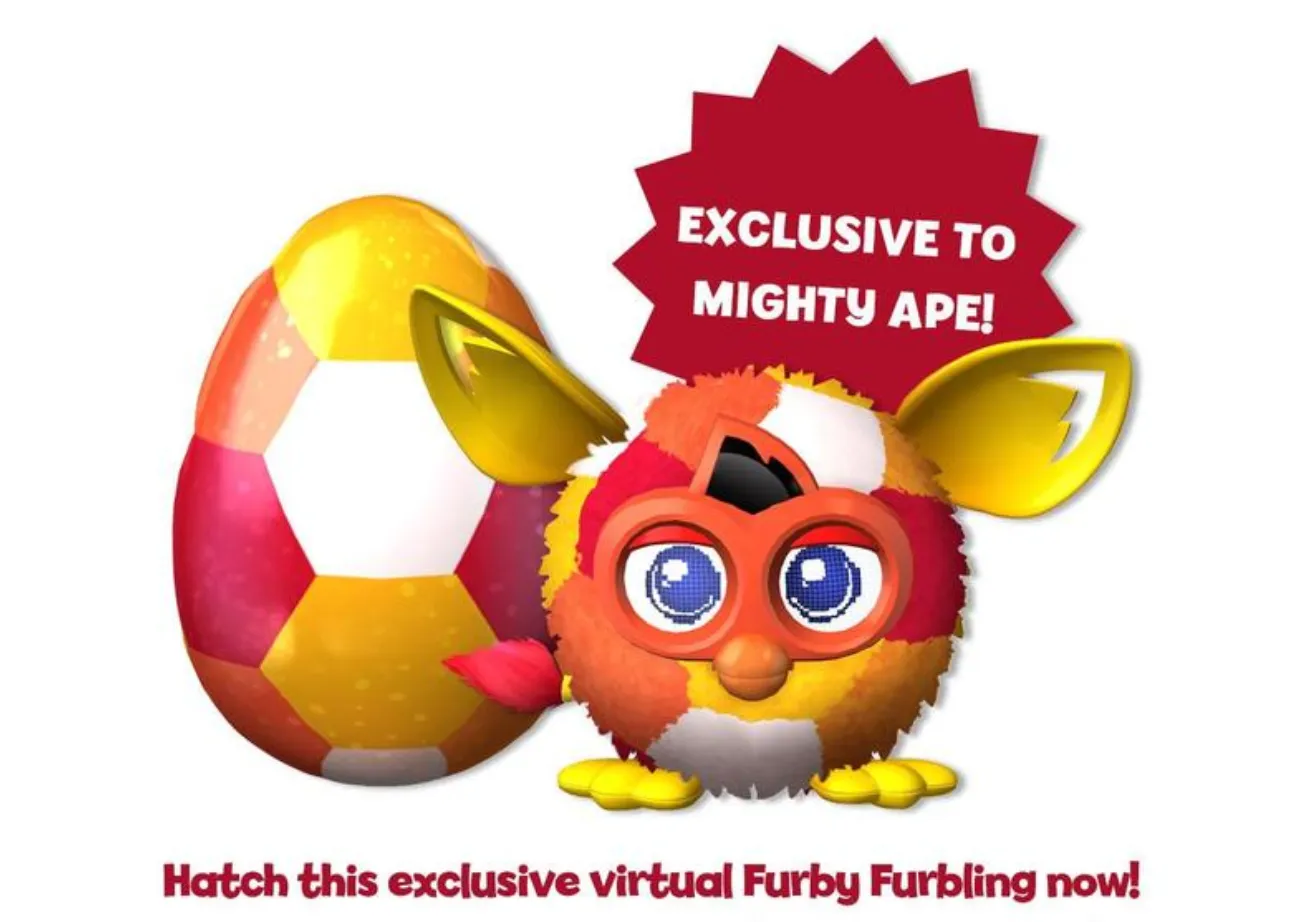
- Exclusive Furblings: Users could unlock special Furblings and decorations by scanning Crystal Furby Boom.
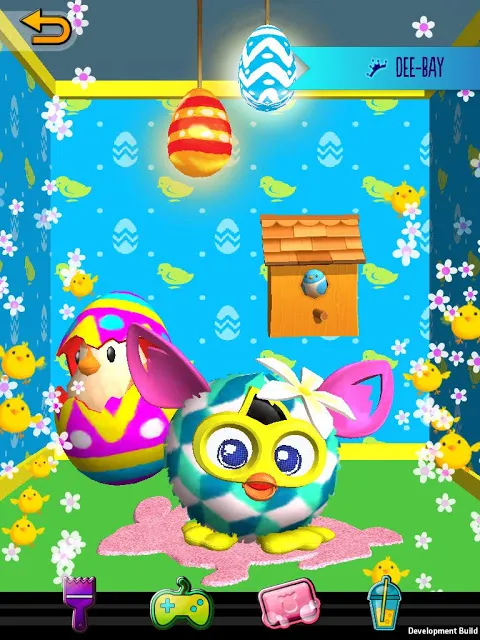
- City and Decorations: Players could build a city for their Furblings and decorate it.
Ways to Obtain Furbling Eggs
There were four main ways to obtain eggs:
- From Furby Boom
- Hidden eggs on the Furby website
- Virtual friends in the app
- Exclusive QR codes
Gameplay
The main task is to care for Furby. You can track 4 indicators.
Medical Bay
When your Furby Boom gets sick, you can use an X-ray to determine the type of illness. Then, using the medical bag, you can create a medicine for that illness.
List of some illnesses and medicine recipes:
| Illness | Medicine |
|---|---|
| Difurrhea | Honey + Honey / Fresh mint candy + Coca-Cola |
| Hypofurbia | Teapot + Teapot / Honey + Teapot |
| Furlorn | Honey + Coca-Cola / Fresh mint candy + ice cubes |
| Furbilitis | Fresh mint candy + Fresh mint candy / Teapot + mint candy |
| Muscle Furtigue | Ice cubes + ice cubes / Coca-Cola + ice cubes |
Poop Station
When Furby Boom needs to use the toilet, you can put it on the toilet. Many things can be left in the toilet, such as a rubber duck, stinky poop (large, medium, and small), a submarine, a rainbow heart, and a pufferfish. After that, you can flush and spray air freshener.
Shower
Using two levers, you control the temperature and water pressure. Each Furby likes different combinations of pressure and temperature. When washing is done, an item may be left in the shower, such as dirt or decorations.
Food
You can feed Furby Boom food. Choose different food items; each Furby has its own tastes.
If all indicators are normal, Furby’s level will increase, and Furby will be able to lay eggs and make virtual friends.
Hatching Furblings
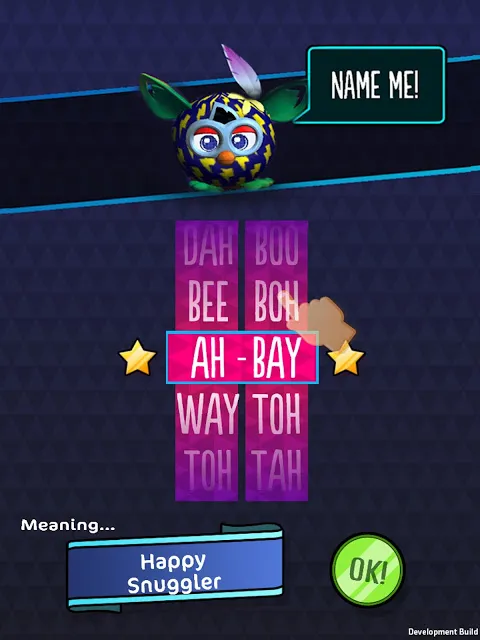
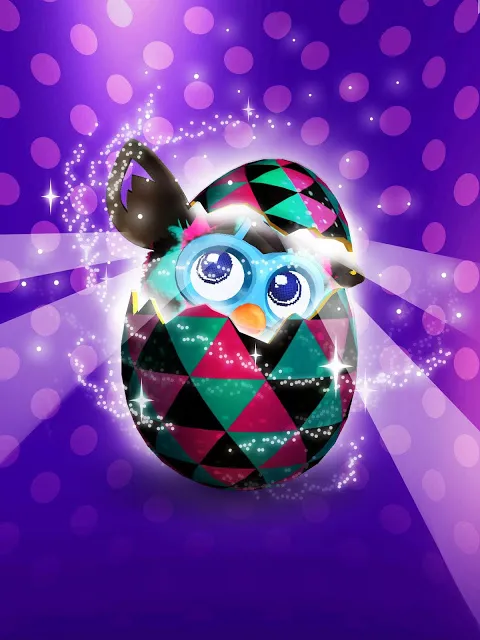
To hatch a Furbling egg, it first needs to be incubated. The bar under the egg will fill up. When playing with Furby Boom, eggs hatch in one minute. Without Furby Boom, it depends on the egg’s rarity. Then you’ll need to help the egg a bit by swiping and rubbing it. When the bar is full, the egg will start cracking, and a new Furbling will hatch, which you’ll name. Then you need to move the Furbling to the city. This can be done by filling the bar through various interactions:
Games with Furblings
Playing games improves the Furbling’s mood and earns Furbucks.
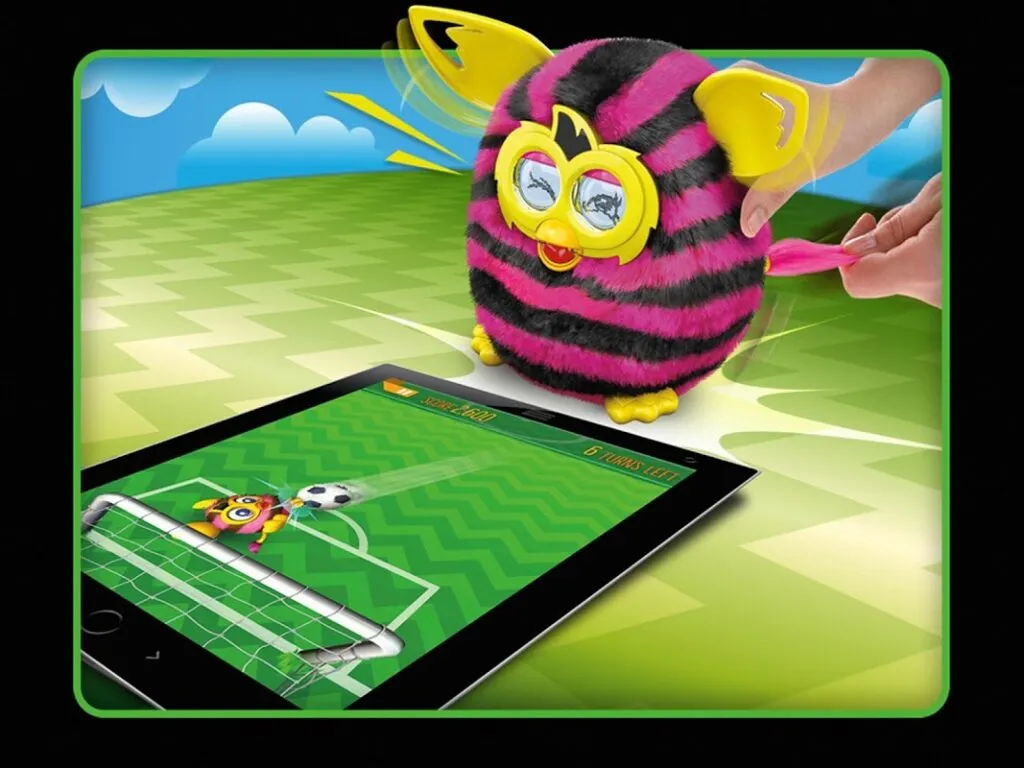
- Furball — something like soccer. You play as Furby or a Furbling.
- Hide and Seek — you need to pop balloons and find the hiding Furbling. If playing with Furby Boom, it gives hot-cold hints, and without Furby, the hints are the color and strength of confetti when popping balloons.
- Singalong — a game similar to Tap Tap Revenge. You need to tap on note circles in time with the music.
Spa
You wash the Furbling with various items that can be purchased with Furbucks. Then you need to comb it. If you’re playing with Furby Boom, it reacts to everything and gives its advice.
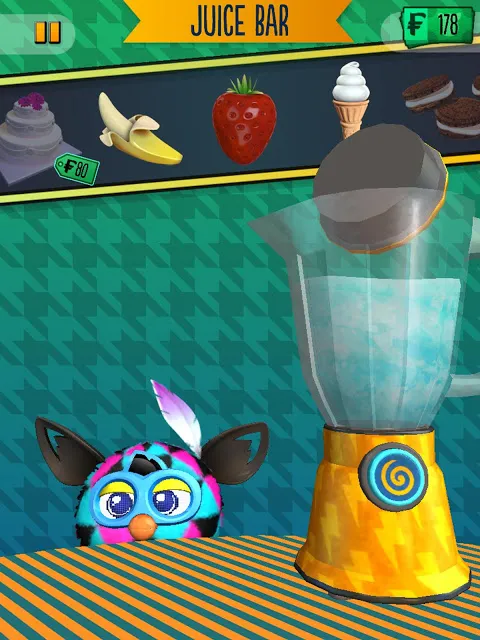
Juice Bar
Here you can make cocktails. Choose cocktail ingredients, blend them all together, and see what you get — whether your Furbling likes it or not — you’ll know by its reaction.
How to Move Your Furbling to the City
When the Furbling’s city bar fills up, it moves to the city. Here you can customize your Furbling’s room to your taste (your Furby Boom can help you choose items your Furbling might like) and view all your current Furblings inhabiting the City. Once the city is full, you’ll be able to unlock a Golden Egg with a golden Furbling inside. The Golden Furbling lives in an airship with its image on it (if you have fewer Furblings and the city isn’t full, a Golden Egg image is shown instead).
Crystal Design
When the Furby Boom Crystal series came out, everyone discovered that when connecting a Crystal Furby to the app, everything in the app also becomes crystallized. This was a great surprise for owners of the new series.
Legacy and Replacement
- The app’s last update was in 2015, and attention shifted to the newer “Furby Connect World” app.
- Despite its unavailability on new platforms, the Furby BOOM! app remains a cherished memory for those who experienced it, embodying a unique blend of physical and digital gaming activity.
This app was a wonderful example of early integration of physical toys with digital interactive technologies, offering an immersive experience that combined virtual pet care and management with physical interaction with Furby toys.